VocalNet
Real-Time Voice Cloning & Transformation Plugin
How VocalNet works
Choose Between Two Modes
Blend Mode
Load up to three voices, then drag the cursor to blend them into a unique tone in real time.
Artist Mode
Try voices from our collaborating artists free for 14 days. If one fits your project, purchase it - most of the revenue goes directly to the artist.
Clone & Transform Voices in
Three Steps
Three Steps
1. Import Voice Samples
VocalNet analyzes the imported samples and clones them as target voices. The cleaner and less processed the samples, the higher the quality of the transformations.
2. Transform Input Voice
Start playback on your audio track — VocalNet will convert the input in real time to match the target voices as an audio effect.
3. Morph Between Voices
Load up to three voices, then drag the cursor to blend them into a unique tone in real time.
Full DAW Integration with ARA Support
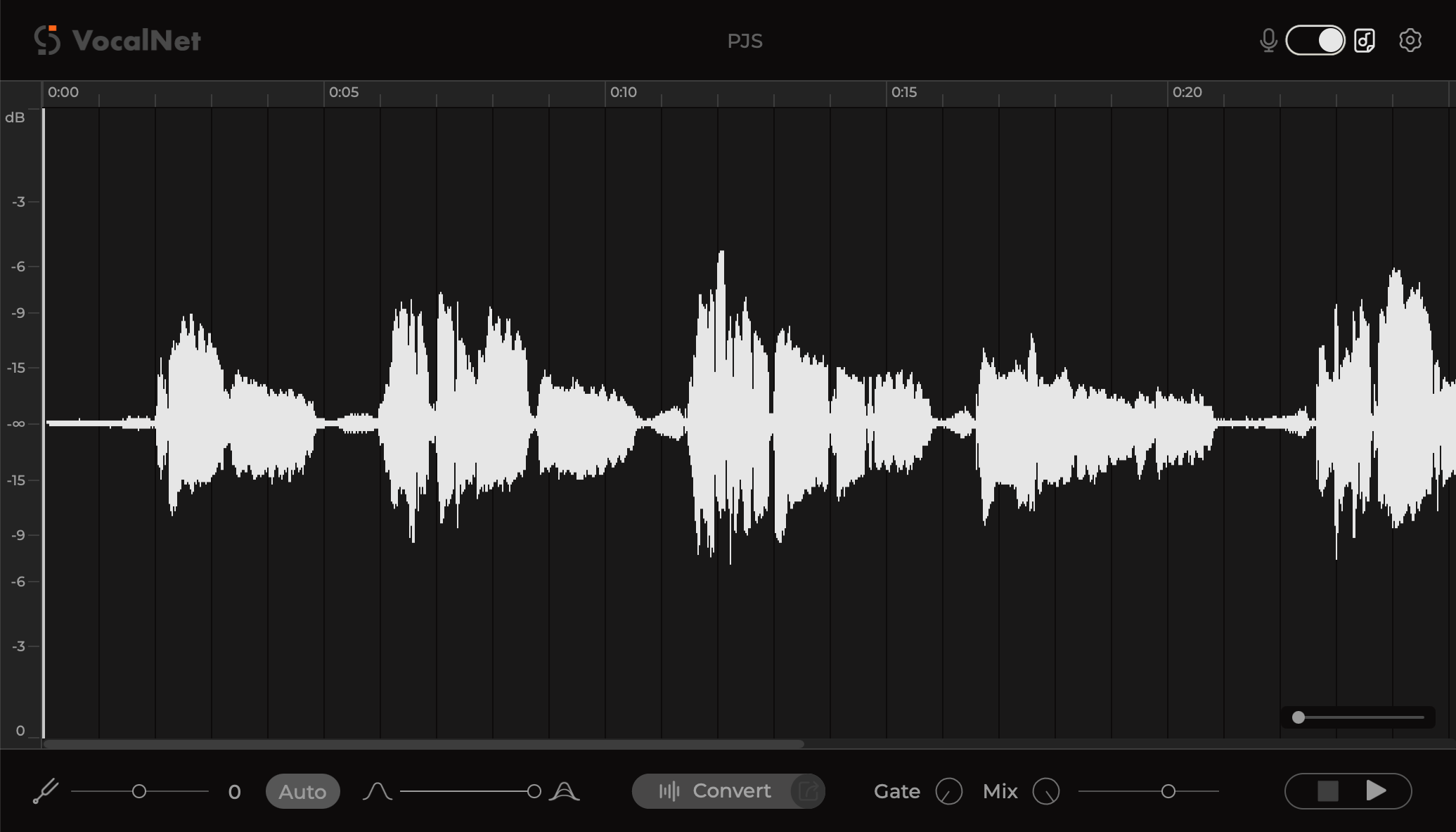
VocalNet supports ARA workflows for compatible DAWs, so you can work directly on your track timeline with faster, tighter integration and a smoother editing experience.
Hear It in Action
Input
Target
Output
What Industry Pros Say
Man Parrish
YMO, Kraftwerk
I really like your approach! The output sounds clean, it's easy to use, and it just works!Version , VST3 & AAX
Version , VST3 & AU & AAX, Universal
You can try out all features for 14 days. Afterwards Voice Cloning will be disabled.
To access full version, purchase a lifetime license or subscribe to our plans.
To access full version, purchase a lifetime license or subscribe to our plans.
One-time
Purchase
Purchase
$99
$
Limited-Time
Offer
Offer
VocalNet only, pay once, use forever
Subscription
( 14 days free trial )
( 14 days free trial )
Starts from
$5.99
/ mo
Everything in a bundle except artist models